Advertisement
Click to download now, finish the installation quickly, and directly unlock the all-round experience
Advertisement
Screenshots




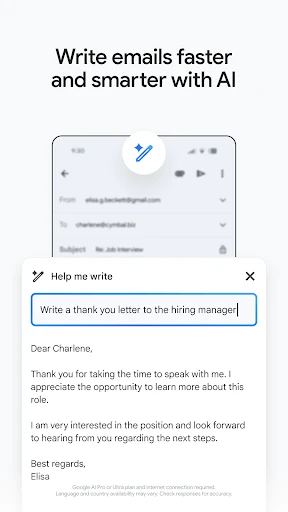
Click to download now, finish the installation quickly, and directly unlock the all-round experience
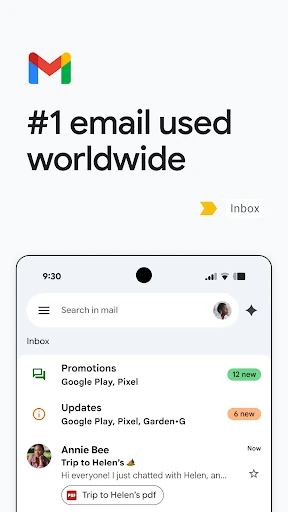
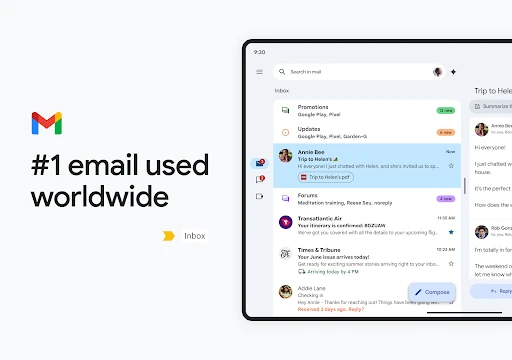
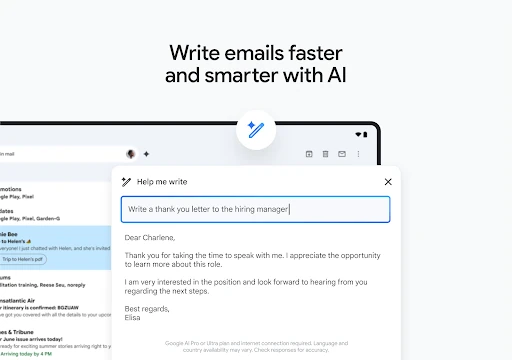
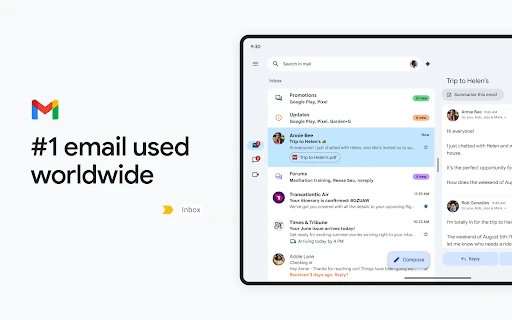
Gmail is Google’s Android email app for reading, writing and keeping track of messages. It suits people who use email for personal correspondence, work, or both, especially if they want to check several inboxes from one place. The app is made by Google LLC and is listed in the Communication category.
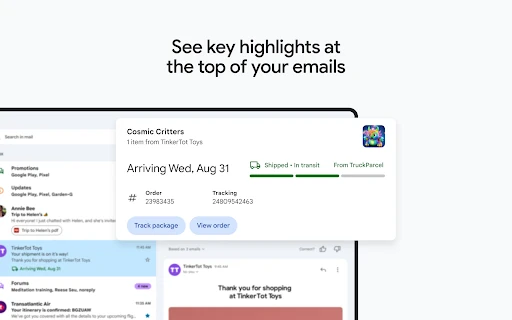
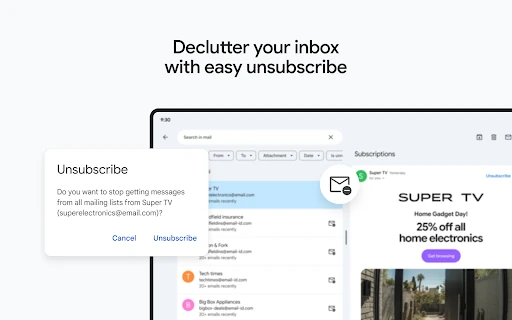
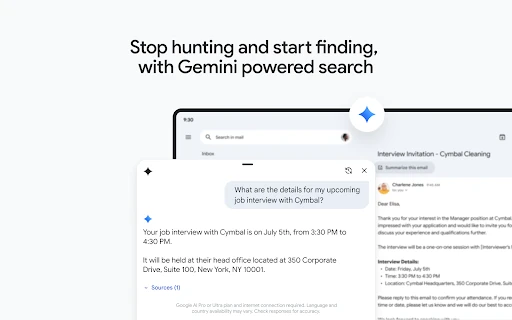
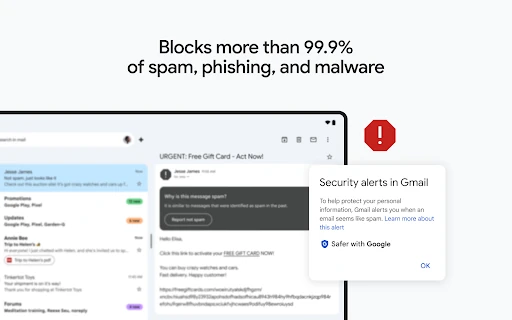
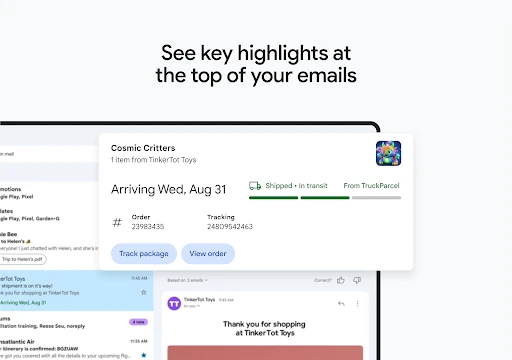
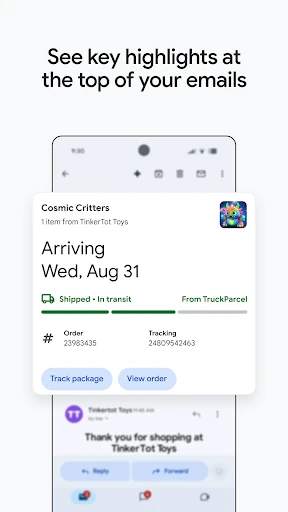
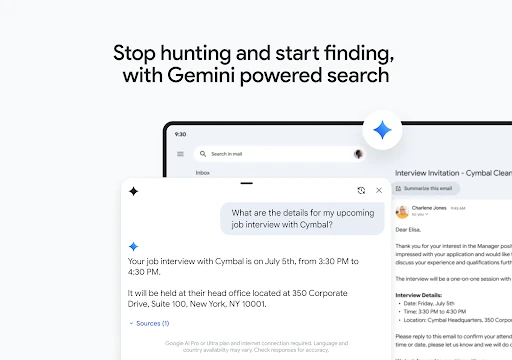
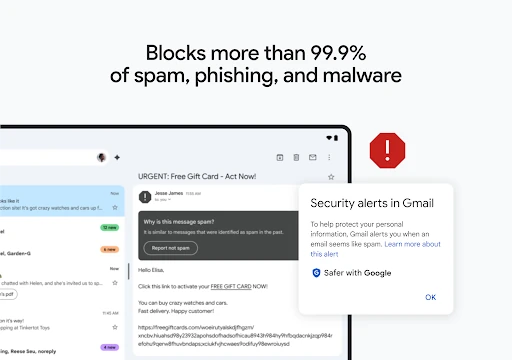
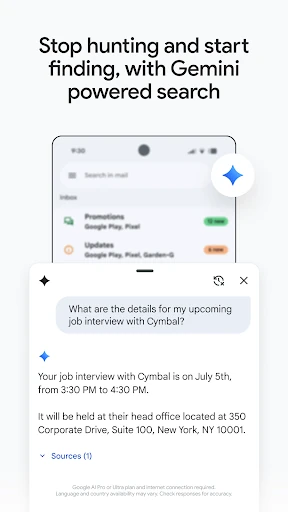
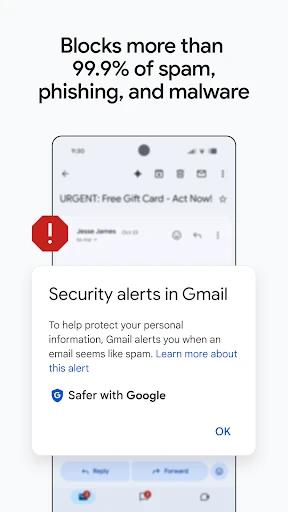
Search helps when a message is buried in an older conversation, while threaded views keep replies together. Gmail also filters spam and suspicious messages, and gestures let you archive mail without opening each item. For travel and delivery emails, the app can surface useful details such as itinerary or shipment information alongside the relevant messages.
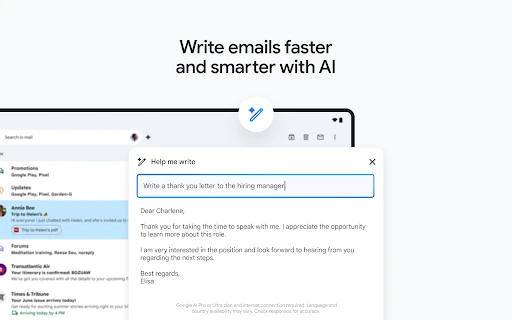
These tools are useful for a busy inbox, but they do not remove the need to review messages yourself. Gmail is still an email client first: its value comes from making routine reading, replying and retrieval easier to manage.
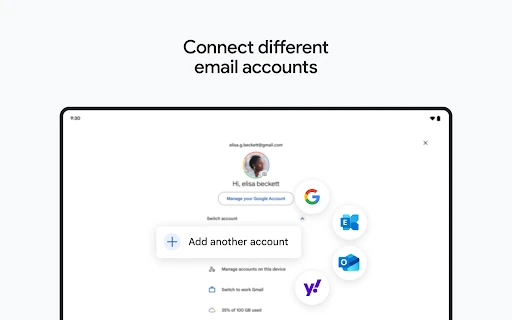
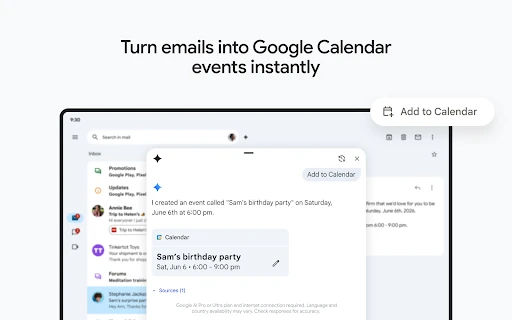
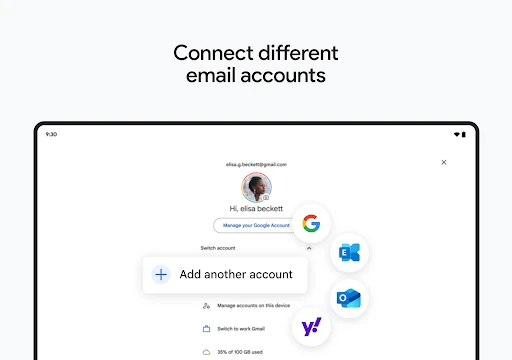
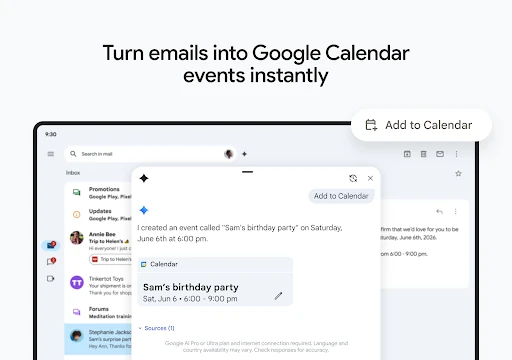
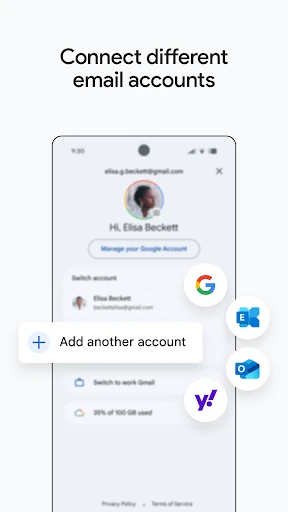
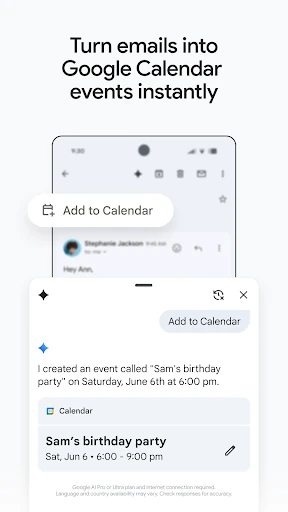
You can use Gmail with multiple accounts, including email from other providers, rather than keeping every address in a separate app. It also connects with Google services such as Calendar, Meet and Chat, so an email can lead into a meeting or calendar task without treating those conversations as unrelated.
Gmail has more than 10 billion installs in the catalogue listing, and its rating is 4.1 from about 14.2 million ratings. Those figures point to a heavily used app with a large base of user feedback. It makes the most sense if you want a maintained, familiar inbox with strong search and Google service links; a lighter email app may suit you better if you do not need those connections.